Save recipes from Instagram Reels as real recipes
Saving a Reel keeps the video, not the recipe. When you want to cook it a week later, you scrub through it again and pause every few seconds. Stovie turns the Reel into a written recipe on your iPhone, with ingredients, amounts and steps you can read at the stove.

Steps
- In Instagram, open the Reel and tap the paper plane (Share).
- Choose Stovie from the share options. If you don't see it, tap More and turn Stovie on.
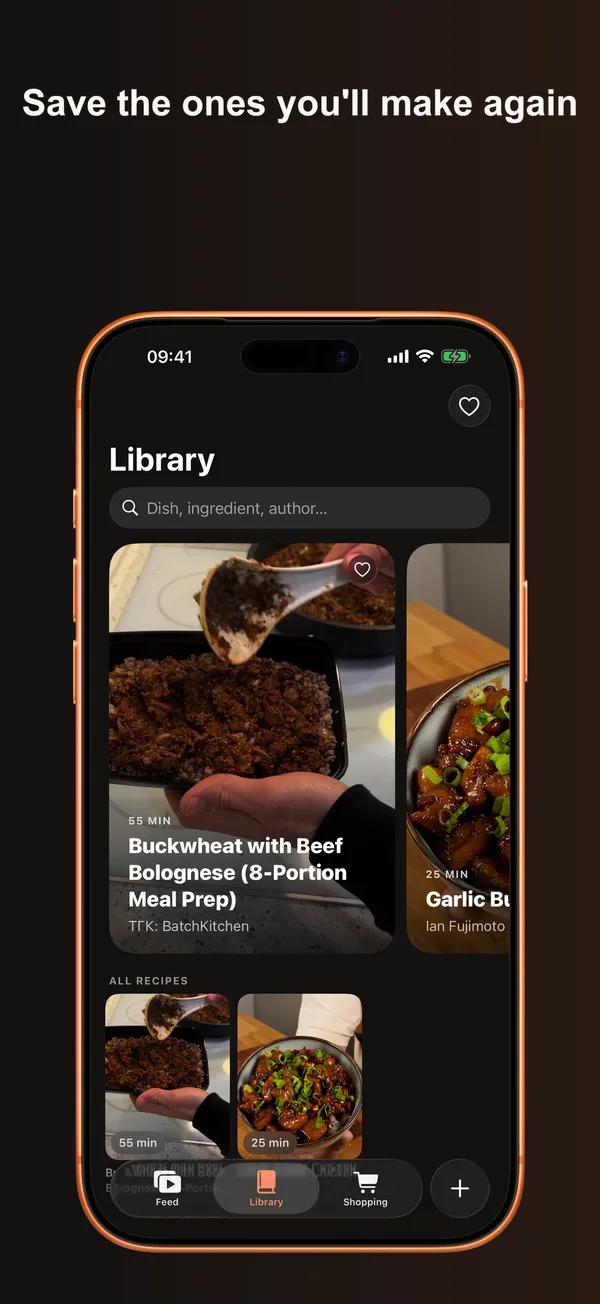
- Open Stovie. The written recipe lands in your Library, usually in about 30 seconds.
Why not just save the Reel?
- Instagram saves don't search by ingredient. Stovie's Library filters recipes by main ingredient and meal.
- Amounts said out loud are easy to miss. Stovie writes them down, and flags anything the caption leaves out.
- One tap moves the ingredients to a shopping list.
FAQ
How much does it cost?
The free plan covers 5 imports a week. Stovie Pro ($4.99 a month or $29.99 a year, 7-day trial on yearly) gives unlimited imports and cooking mode with a clip and timer for each step.
Will the creator get credit?
Yes. Every recipe keeps the creator's name and a link to the original Reel.
Which phones does it run on?
iPhones with iOS 26 or later. There is no Android app.